Use the waiting list
See who is waiting for a time to come up. They are told by themselves when one does.
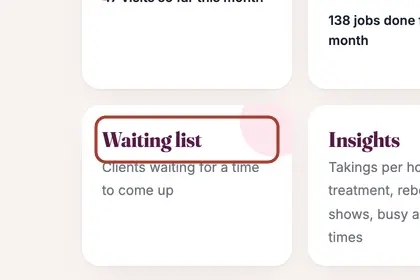
In More, press "Business", then "Waiting list".
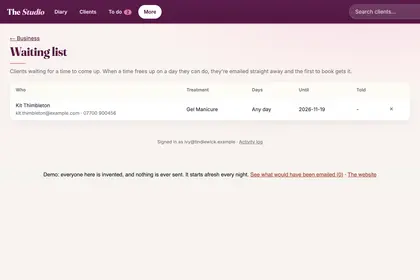
See who is waiting and when. Press the cross to take someone off.
Good to knowHide good to know
Nothing to do when a time frees up. Everyone waiting for a matching day hears straight away, by email, or by text if they asked and texts are on, and the first to book gets it. Each person is told at most once a day.
Every name in the pictures is made up.
Book a free 30-minute chat
By video. We send you a link; you just tap it.