Keep track of stock
Keep a count of what is on the shelf and be told when something is running low.
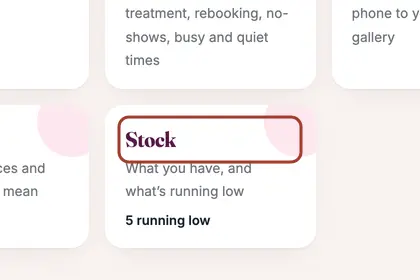
In More, press "Business", then "Stock".
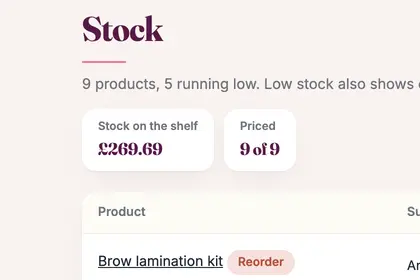
Use the minus and plus buttons to change how many you have.
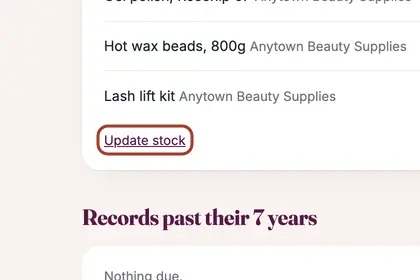
Products running low also appear on "To do", under "Running low".
Good to knowHide good to know
Low stock also appears in your morning email.
Every name in the pictures is made up.
Book a free 30-minute chat
By video. We send you a link; you just tap it.