Open or close times
Set the hours clients can book online, and close particular dates.
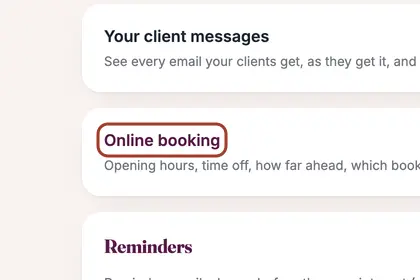
In More, press "Settings", then "Online booking".
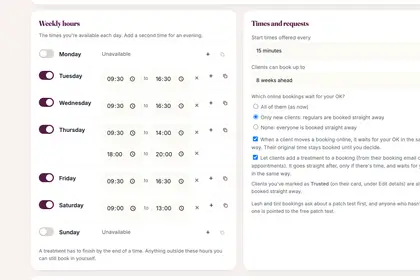
Under "Weekly hours", switch a day off, or press + for a second time.
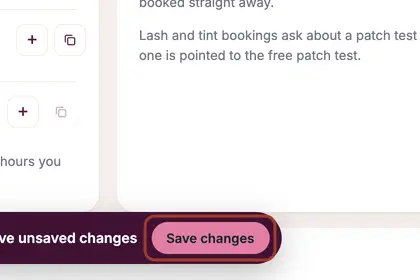
Change a time and a "Save changes" bar appears. Press it to keep your changes.
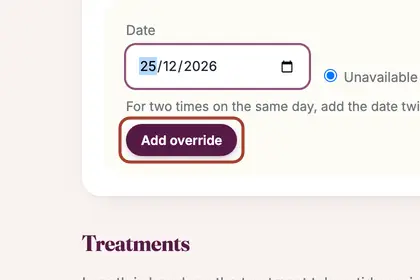
For one different date, pick it under "Date overrides", then press "Add override".
Good to knowHide good to know
A treatment has to finish by the end of a time. Anything outside your hours you can still book in yourself.
Every name in the pictures is made up.
Book a free 30-minute chat
By video. We send you a link; you just tap it.