Look at your week or month
See the whole week or month at a glance, and drag a booking to a new time.
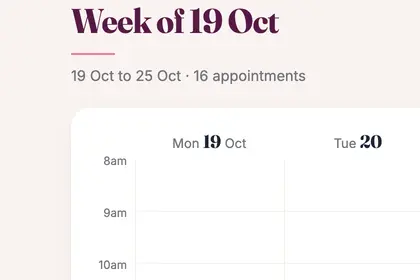
Each day is a column, with your bookings in it.
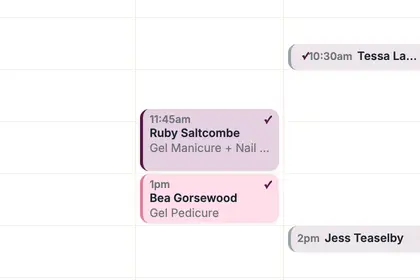
Tap a booking to open it, or press and hold and drag it to a new time.
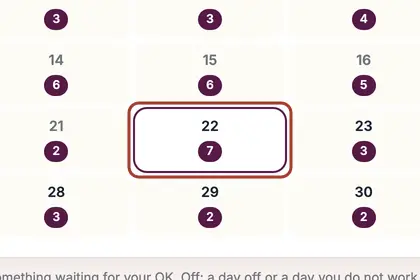
Press "Month" for a month at a glance. Click a day to open it.
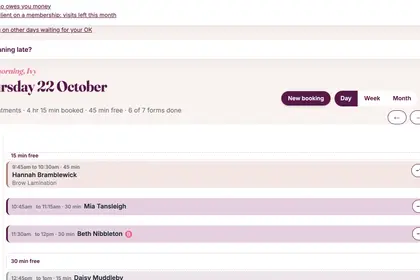
Press "Day" for one day laid out by the hour.
Good to knowHide good to know
Holidays and days off that you keep in your own phone calendar show on the Week view as plain grey blocks, once you have connected that calendar in More, Settings, Online booking.
Every name in the pictures is made up.
Book a free 30-minute chat
By video. We send you a link; you just tap it.