The Finisher.
Get my free previewFree preview

 Your day

See today's clients

Open your Diary to see who is coming, when, for what, and whether their form is done.
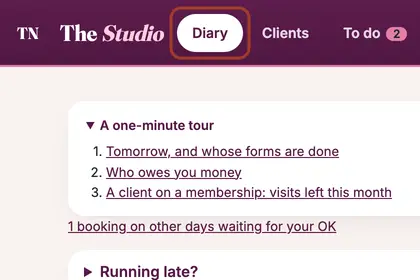
  1. Step 1: Press Diary in the menu at the top. It opens on today. The line under the date says how many appointments you have, how long you are booked and how many forms are done.

    Press "Diary" in the menu to see how many appointments and forms are done.
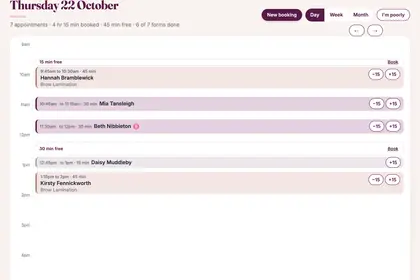
  2. Step 2: Each booking sits where it falls in the day, with its time, the client's name and the treatment. Small signs show what needs a look, such as a form not done, and a key under the day explains them.

    Each booking shows its time, the client's name and the treatment.

  3. Step 3: Tap a booking and a panel opens over your diary. Press Open full record for everything about it: buttons to call, text or email the client, a box for a quick note, and the Edit, Move and Cancel boxes.

    Tap a booking to open it. "Open full record" has contact buttons and notes.
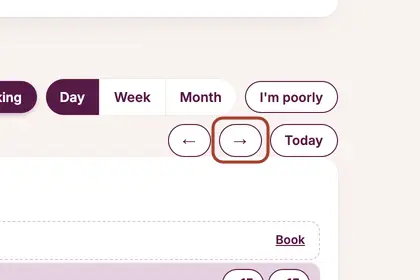
  4. Step 4: To look at another day, use the arrows beside the Day, Week and Month buttons. Press Today to come back.

    Use the arrows to see another day, and "Today" to come back.

Good to knowHide good to know

A sign such as "Form not done yet" means the client has not filled in their form. Your back office chases it for you before the appointment; in More, Settings, under Forms, you choose how many hours before.

Every name in the pictures is made up.

Book a free 30-minute chat

By video. We send you a link; you just tap it.