Print a booking card or poster
Print cards or a poster with a QR code that takes people to your booking page.
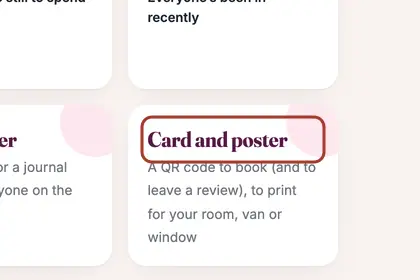
In More, press "Business", then "Card and poster".
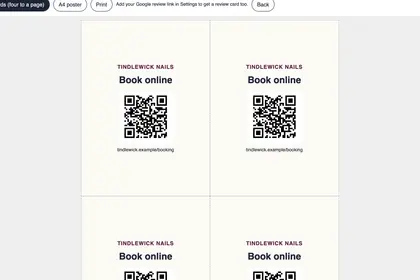
Cards print four to a page, each with a QR code and your booking address.
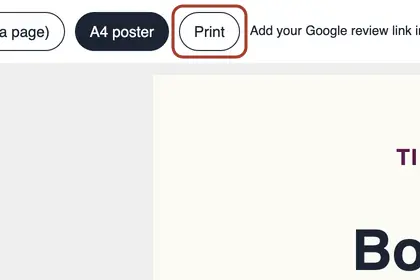
Choose "A4 poster" for a bigger one, then press Print.
Good to knowHide good to know
Add your Google review link in Settings and you also get a review card.
Every name in the pictures is made up.
Book a free 30-minute chat
By video. We send you a link; you just tap it.