Record a treatment
Write down what you did, the products used and what they paid, so next time is quick.
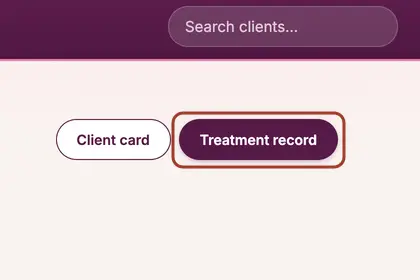
On the booking's full record, press "Treatment record".
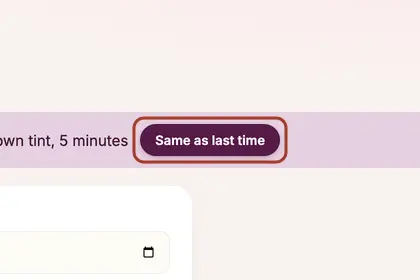
Press "Same as last time" to copy it, or fill in the products.
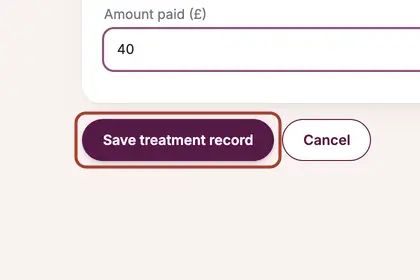
Set the amount paid and how they paid, then press "Save treatment record".
Good to knowHide good to know
Settling up records the price and payment. Use the full treatment record when you want to note products, colours and results too: after you settle up, press "Add the treatment details".
Every name in the pictures is made up.
Book a free 30-minute chat
By video. We send you a link; you just tap it.