Take a payment at the appointment
Settle up closes the visit: confirm the price and how they paid.
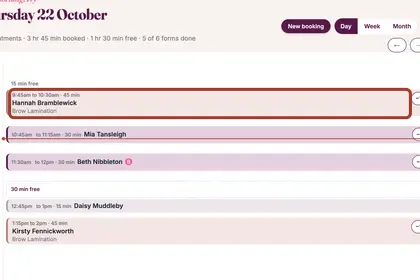
Once an appointment has started, tap it in your Diary.

Check the treatment and price. Use "Change" or "+ Add" if you did more.
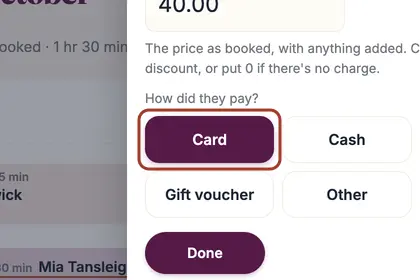
Choose how they paid: "Card", "Cash", "Bank transfer", "Gift voucher" or "Other".
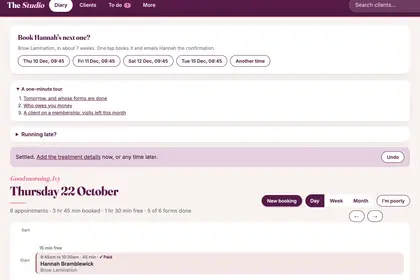
Press "Done". The diary says Settled and offers to book their next visit.
Good to knowHide good to know
Settle up records the payment; it does not take it from a card. If a client did not come, press "They didn't come" in the same panel. Any deposit they paid is taken off for you.
Every name in the pictures is made up.
Book a free 30-minute chat
By video. We send you a link; you just tap it.