Add a booking yourself
For someone who booked by phone or message: put them in the diary and they get your confirmation.
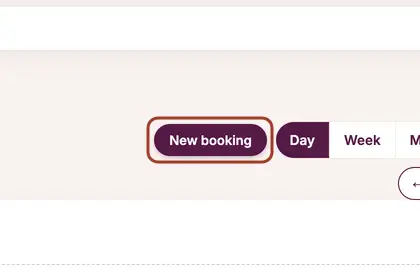
On your Diary, press "New booking".
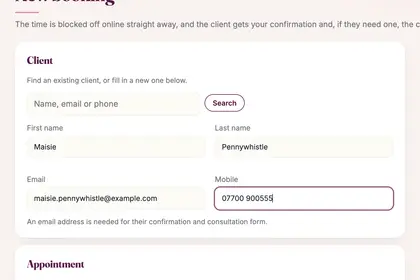
Search for a client, or type the name, email and mobile of a new one.
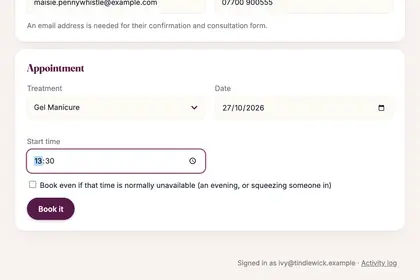
Choose the treatment, the date and the start time.
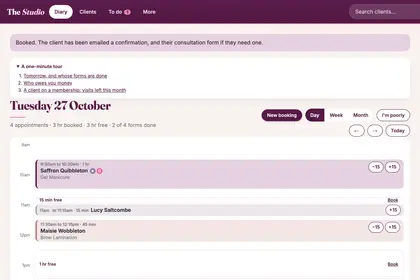
Press "Book it". The time is blocked off online and the client is emailed.
Good to knowHide good to know
Tick "Book even if that time is normally unavailable" for an evening or to squeeze someone in. A booking you add yourself is confirmed straight away: it does not wait for your OK.
Every name in the pictures is made up.
Book a free 30-minute chat
By video. We send you a link; you just tap it.