The Finisher.
Get my free previewFree preview

 Clients and forms

Find a client

Search by name from any page, or browse the list and its filters.
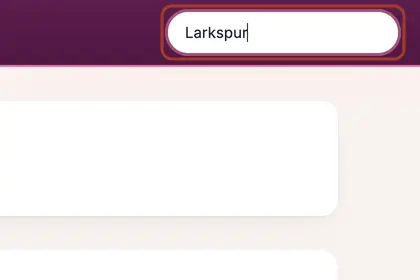
  1. Step 1: Type part of a name into "Search clients" at the top right of any page and press Enter.

    Type part of a name into "Search clients" at the top right and press Enter.
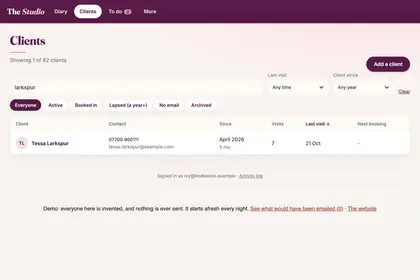
  2. Step 2: The Clients page lists the matches with their contact details, when they joined, visits, last visit and next booking.

    The Clients page lists the matches with their contact details and visits.
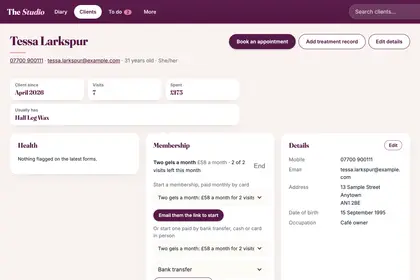
  3. Step 3: Click a name to open their card: contact details, what they usually have, forms, patch tests, private notes and treatment history.

    Click a name to open their card, with contact details, forms and notes.
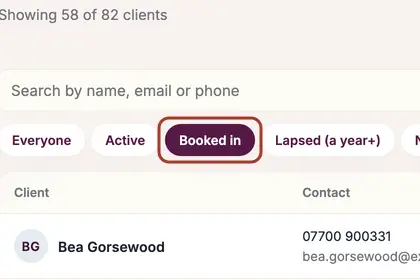
  4. Step 4: To browse instead, press Clients in the menu and use the tabs: Everyone, Active, Booked in, Lapsed, No email or Archived.

    To browse instead, use the tabs, such as "Booked in".

Every name in the pictures is made up.

Book a free 30-minute chat

By video. We send you a link; you just tap it.