Set a deposit
Ask for a deposit when clients book online, by treatment.
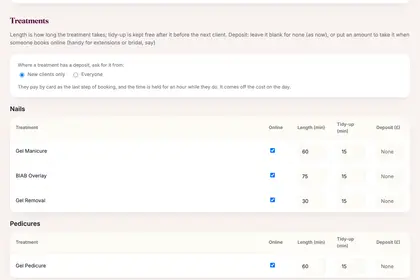
On "Online booking", scroll to Treatments.
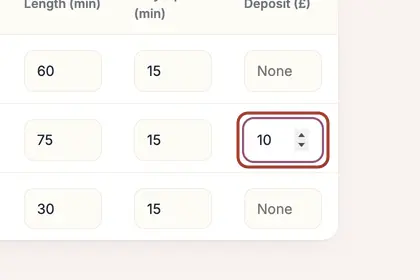
Type an amount in the "Deposit (£)" column beside any treatment.
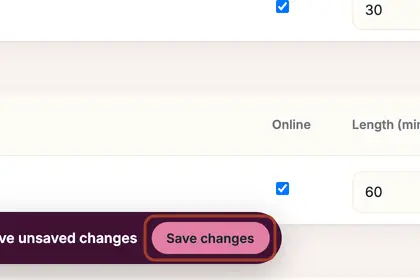
Choose "New clients only" or "Everyone", then press "Save changes".
Good to knowHide good to know
The client pays by card to finish booking, and the time is held for an hour until they do. The deposit comes off the price on the day. Your cancellation policy is in your terms; you can waive it for one booking.
Every name in the pictures is made up.
Book a free 30-minute chat
By video. We send you a link; you just tap it.