Change prices and treatment times
Prices live in one place and treatment lengths in another, both under Settings.
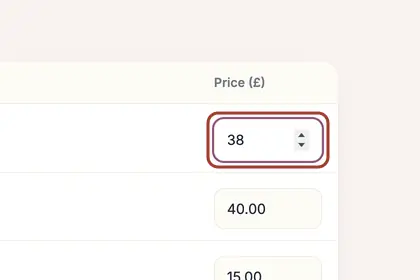
Under "Prices" in Settings, type the new price beside each treatment.
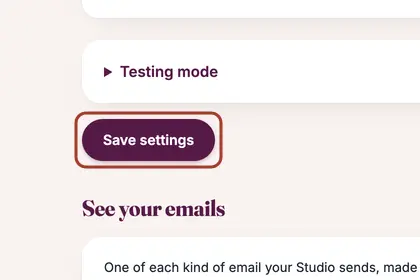
Press "Save settings" at the bottom of the page.
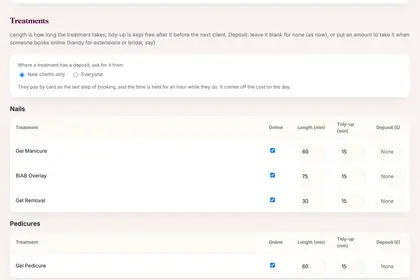
Under Treatments, change "Length (min)" and "Tidy-up (min)".
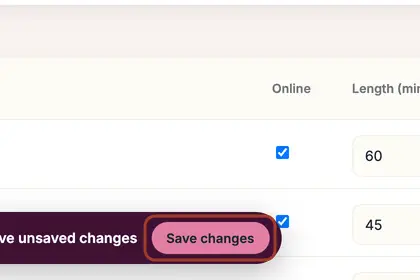
Use the "Online" tick to choose what clients can book, then press "Save changes".
Good to knowHide good to know
Your booking page and your website's price list use a saved price straight away; bookings already made keep the price they were booked at. Want to see what a new price would mean over a year first? Use "Try out new prices first" beside Prices.
Every name in the pictures is made up.
Book a free 30-minute chat
By video. We send you a link; you just tap it.