Change the wording of a message
Put the lines of your client emails in your own words.
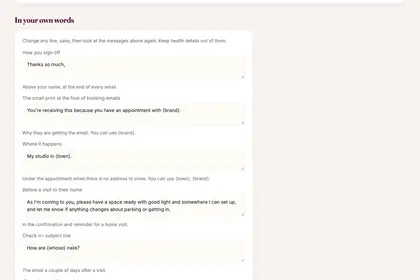
Under "Your client messages", scroll down to "In your own words".
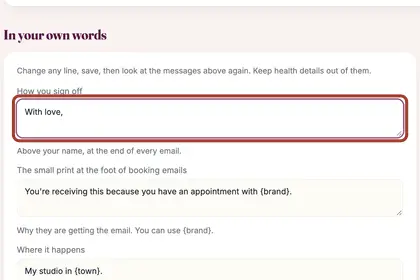
Change any line, for example how you sign off.
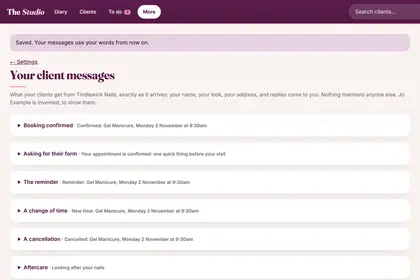
Press "Save". The messages use your words from now on.
Good to knowHide good to know
You can change the lines listed there, not whole emails. Keep health details out of them. "Back to the standard wording" undoes your changes.
Every name in the pictures is made up.
Book a free 30-minute chat
By video. We send you a link; you just tap it.