Accept a booking request
Clients ask for a time, and you say yes or no. You can let regulars, or clients you trust, book straight in.
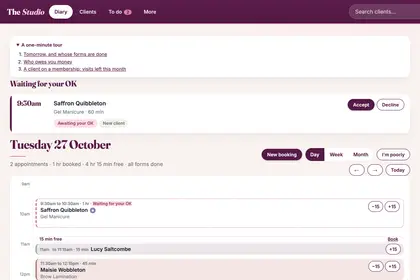
A request waits at the top of your Diary, under "Waiting for your OK".

Tap the date and time of the request to see who asked and for what.
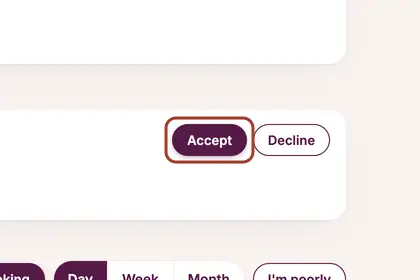
Press "Accept" to say yes.
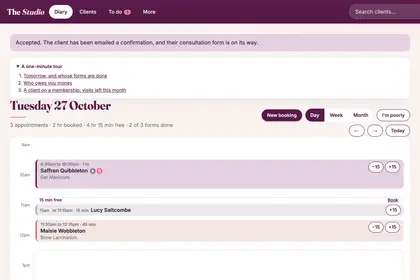
The diary says the client is emailed and their form is on its way.
Good to knowHide good to know
There's no time limit. Your client was told you'd usually reply within a day, and after a day the request is marked "Waiting over a day". If you decline a request with a paid deposit, refund the deposit yourself.
Every name in the pictures is made up.
Book a free 30-minute chat
By video. We send you a link; you just tap it.