Record an expense
Log what you spend, with a photo of the receipt, so your profit is right.
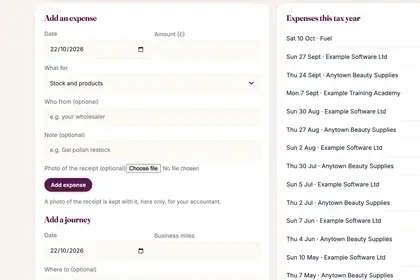
On the Money page, find "Add an expense".
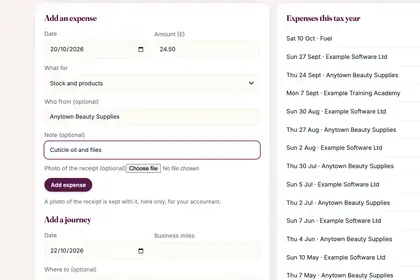
Choose the date, type the amount, and pick what it was for.
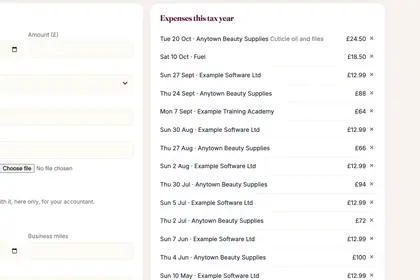
Press "Add expense". It joins the list under "Expenses this tax year".
Good to knowHide good to know
Receipt photos go into the accountant's pack.
Every name in the pictures is made up.
Book a free 30-minute chat
By video. We send you a link; you just tap it.