Reminders and aftercare
Choose the reminders, aftercare tips and friendly follow-ups that go out for you.
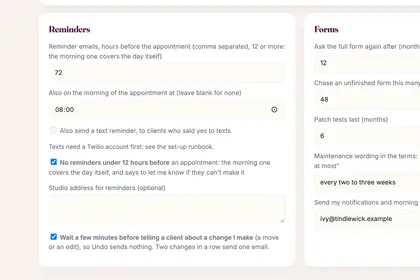
In More, Settings, the first box is Reminders: choose how many hours before they go.
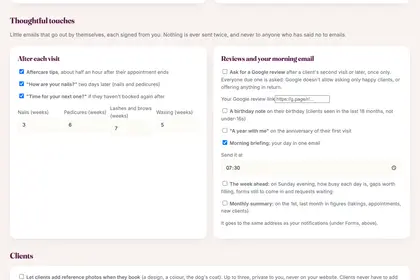
Under "Thoughtful touches", tick the little emails you want sent by themselves.
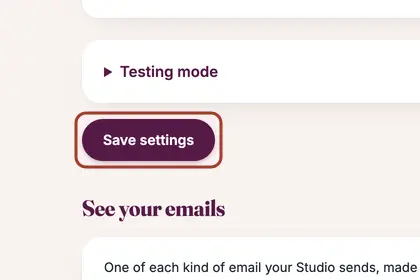
Press "Save settings" at the bottom of the page.
Good to knowHide good to know
Nothing is ever sent twice, and never to anyone who has said no to emails. Text reminders need a texting account set up for your back office first.
Every name in the pictures is made up.
Book a free 30-minute chat
By video. We send you a link; you just tap it.