Block out time off
Block a holiday, the school run or a training day so no one can book it online.
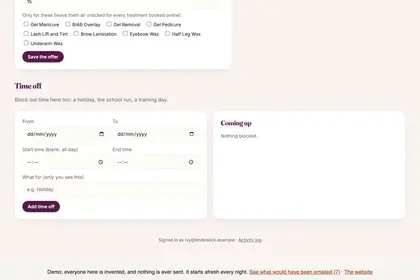
On "Online booking", scroll down to "Time off".
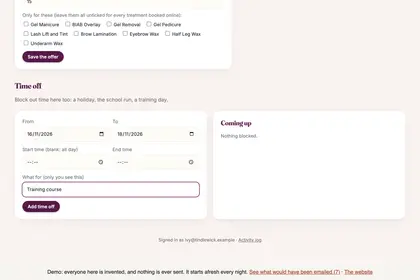
Choose the first and last day, with times for part of a day.
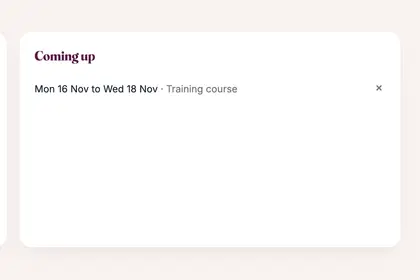
Press "Add time off". It appears under "Coming up".
Good to knowHide good to know
Bookings you have already taken are not cancelled by this. To cancel those as well, use "I'm poorly" or cancel them one by one.
Every name in the pictures is made up.
Book a free 30-minute chat
By video. We send you a link; you just tap it.