Send a client their form
Email a client the consultation form from their card.
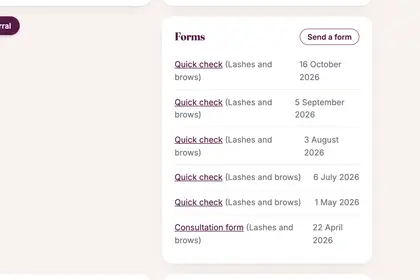
Open the client's card and find Forms.
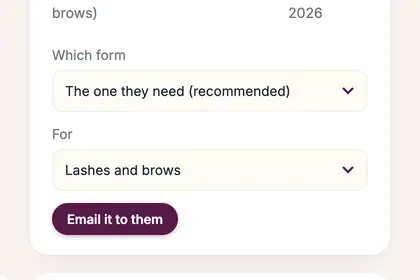
Press "Send a form". Leave "Which form" on "The one they need (recommended)".
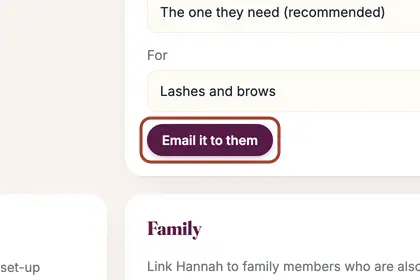
Press "Email it to them" and they get a link to fill in.
Good to knowHide good to know
You rarely need this: when a booking is confirmed, the client is sent their form automatically.
Every name in the pictures is made up.
Book a free 30-minute chat
By video. We send you a link; you just tap it.