Add photos to your gallery
Add photos from your phone and they appear on your website's gallery within a few minutes.

In More, press "Business", then "Website gallery".
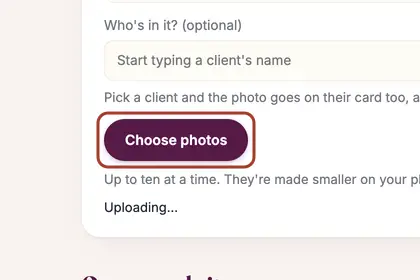
Pick a category, type a caption if you like, then press "Choose photos".

When it finishes, the page says "Added" and the photo appears under "On your website".
Good to knowHide good to know
Use your original photos, without a watermark. A photo of a client can be added from their card, but only while they have said yes to photos being shared.
Every name in the pictures is made up.
Book a free 30-minute chat
By video. We send you a link; you just tap it.